Hi there. If you want to review the app’s selection, change it manually, or delete photos yourself, just tap on any group of duplicates or similar photos on the same screen where the Smart Cleanup feature is shown. After that, the view switches to a swipeable gallery. You can move left or right to go through each group. From there, you can select the photos you want to delete and uncheck the ones you prefer to keep.
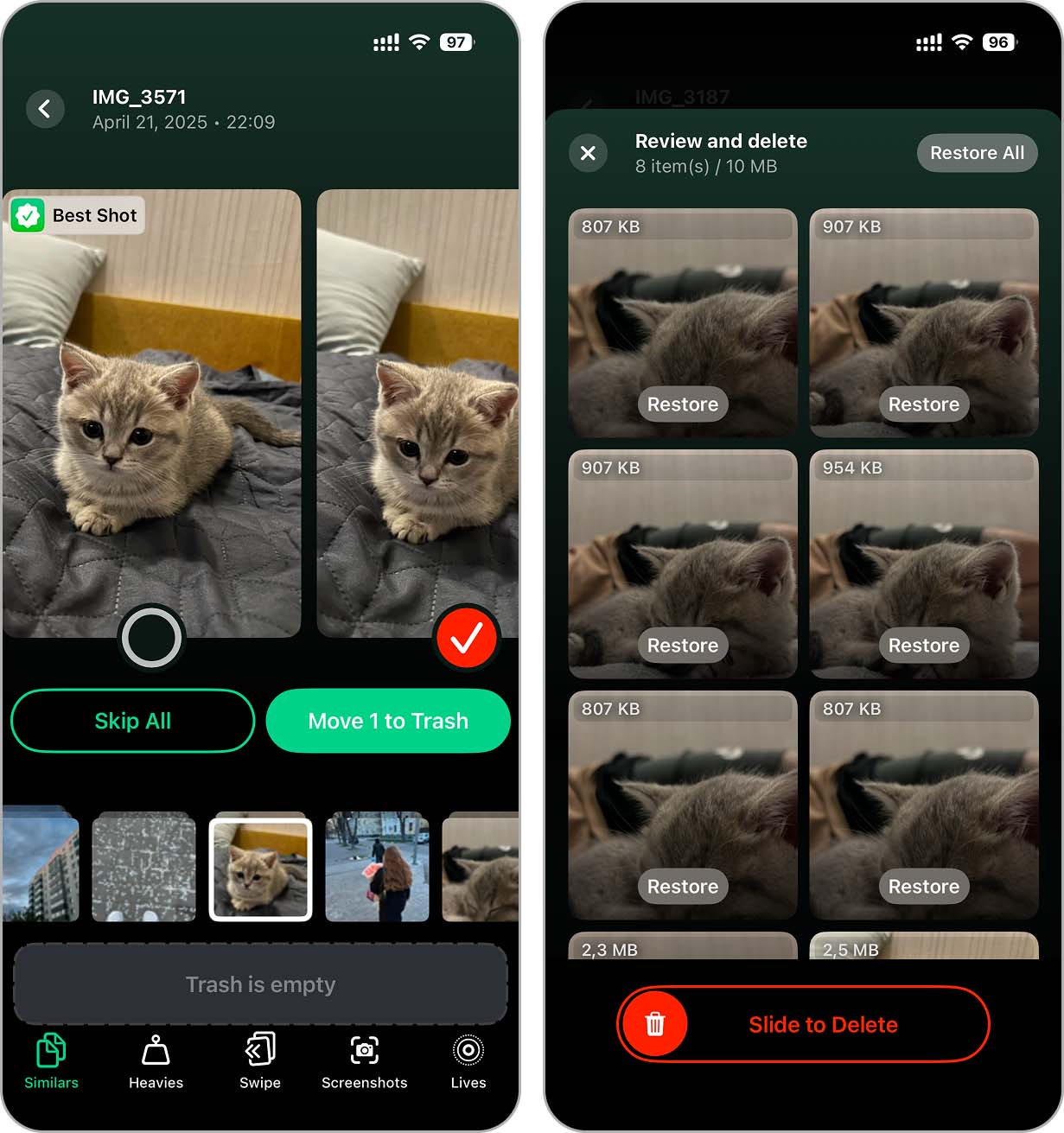
Also, any photos you remove in the app are not deleted from your iPhone right away. They are moved to a temporary in-app trash, so you get a chance to review everything again and make sure nothing important was removed.
For a bit more clarity, you can also check Method 2 in this iPhone cleanup guide, or watch a quick video demo of how Clever Cleaner works on the official site.